What Is a Walk Window?
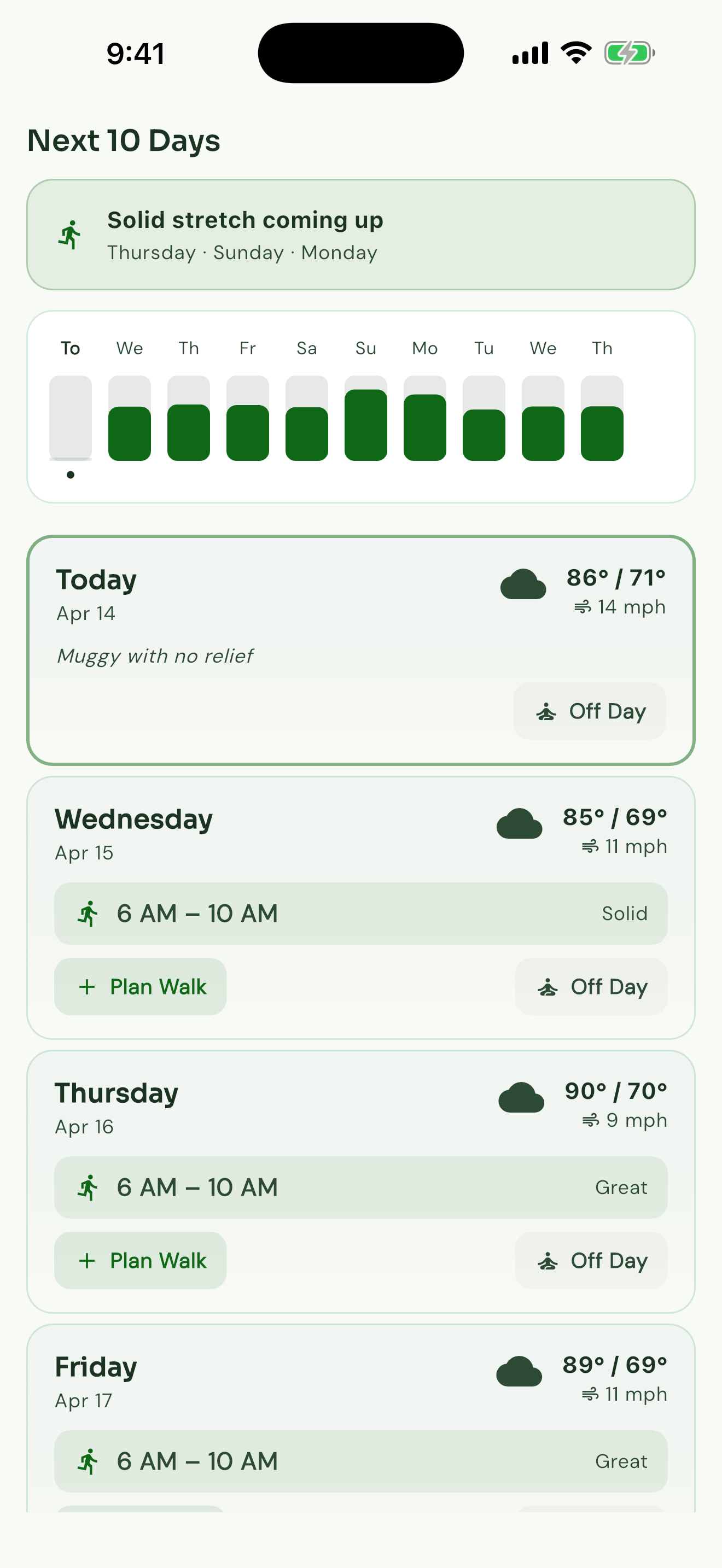
A walk window is the stretch of the day when the forecast lines up for your walk — when the temperature, the wind, the humidity, and the air quality all sit in your comfort zone at the same time. Instead of reading three different numbers and guessing, you open Walk Window and see the one hour that's right for today.
How Walk Window Reads the Day
The forecast. Walk Window watches the temperature, the wind, the humidity, the rain chance, and the air quality, hour by hour, for sixteen days out. Every hour gets compared to the comfort zone you set up.
How steady the forecast is. Today's hours are a tight read. Next Tuesday's hours are a wider one. Walk Window trusts the near read more than the far one — and tells you when a longer-range forecast is shaky.
Your day. If you sync your calendar, Walk Window only suggests hours you can actually take. A good window at 11 AM doesn't help if you're in a meeting.
What Walk Window Tells You
You'll see one of these for every hour of the day:
Tuned to How You Walk
Walk Window adjusts what counts as a good hour to your walking style. Pick the right tuning during onboarding, or change it any time in Settings.
Daily Walker
- 45–75°F ideal
- 8 mph wind start
- 55% humidity start
Dog Walker
- 45–72°F ideal
- 8 mph wind start
- 55% humidity start
Pavement monitoring: safe below 120°F, caution 120–140°F, danger above 140°F
How Walk Window Finds You
Walk Window watches the day so you don't have to. You'll only hear from it when something matters.
Standout Day
Alerts you when conditions are unusually good for walking.
Planned Walk Watch
Monitors weather for your scheduled walks and warns if conditions change.
Weather Shift
Notifies you when a significant forecast change affects your walk window.
Earlier Window
Lets you know if a better window opened up earlier than expected.
Pavement Alert
Dog walker exclusive — warns when pavement temperatures may be unsafe.
The App Learns
After each walk, you can tell Walk Window how the conditions actually felt. Walk Window remembers — and the hour it gives you tomorrow fits the way you actually walk, not a generic comfort range. Run warm? It knows. Mind humidity more than wind? It knows that, too.
Frequently Asked Questions
What is a walk window?+
A walk window is the stretch of the day when the forecast lines up for your walk — when the temperature, wind, humidity, and air quality all sit in your comfort zone. Instead of reading three different numbers and guessing, Walk Window gives you the one hour that's right for today.
How does Walk Window determine the best time to walk?+
Walk Window watches today's forecast hour by hour and looks for the stretch where the temperature, the wind, the humidity, the rain chance, and the air quality all line up with how you like to walk. It works around your calendar too, so the hour it gives you is one you can actually take. The closer to walk time, the more we trust the read.
Is Walk Window only for dog walkers?+
No. Walk Window works for any outdoor walker. Dog Walker mode also watches pavement temperatures and tunes the danger line by breed size — pugs and bulldogs overheat sooner.
How accurate is the walk window?+
Walk Window pulls high-resolution local forecasts. Sharper for today, less certain for next week — and we'll tell you when. The closer to walk time, the tighter the call. Walk Window also learns from your feedback so it fits the way you actually walk.